



TP-Link
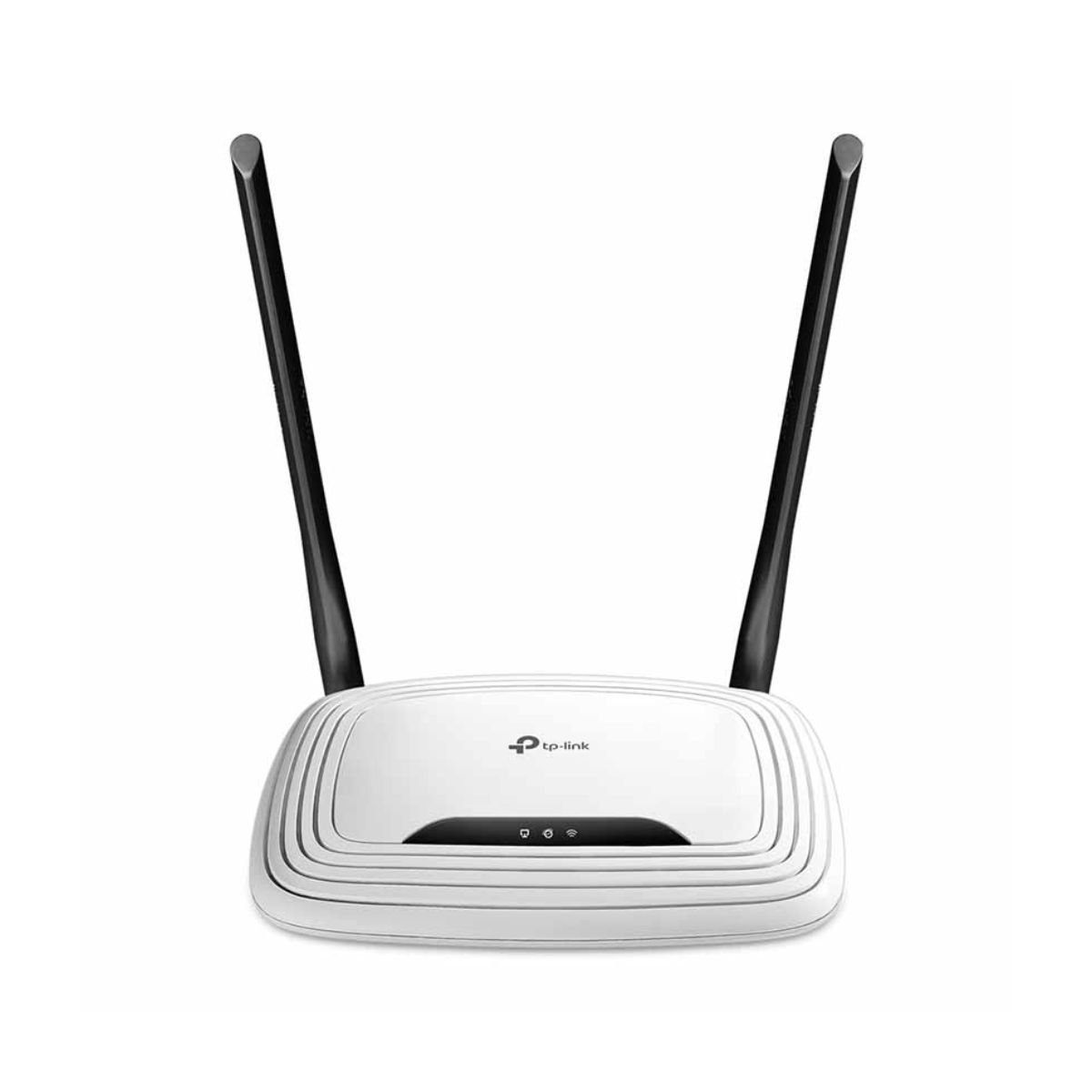
TP-Link TL-WR841N Wi-Fi Router 300Mbps, 4 LAN Ports
Original price was: 29,90 €.22,90 €Current price is: 22,90 €. Save 7,00 €
Simple, reliable Wi-Fi router for small homes, rental flats and small offices.
– Up to 300 Mbps Wi-Fi on 2.4 GHz, 2 external antennas
– 1 WAN + 4 LAN ports for TV, PC, console or printer
– 4 modes: Router, Access Point, Range Extender, WISP
– Parental controls and guest network
– Easy setup with the TP-Link Tether app
Fast delivery in Limassol and across Cyprus.
Secure checkout
Official warranty
Dedicated support
Description
TP-Link TL-WR841N – in stock at EMAGCY. Fast delivery in Limassol and across Cyprus.
Need a simple, reliable Wi-Fi router for a small home, a rental flat or a small office? The TP-Link TL-WR841N is one of the best-selling routers in the world: 300 Mbps Wi-Fi on 2.4 GHz, two external antennas, four LAN ports and easy setup with the TP-Link Tether app. It also works as an access point, range extender or WISP client – so one small box can solve many different network problems.
In short – TP-Link TL-WR841N: 300 Mbps Wi-Fi 4 router with 2 external antennas, 1 WAN + 4 LAN ports, 4 operation modes, parental controls, guest network, IPv6 and Tether app management.
TP-Link TL-WR841N: key features
300 Mbps Wi-Fi for everyday use
With 2×2 MIMO and two external antennas, the TP-Link TL-WR841N delivers stable 2.4 GHz Wi-Fi up to 300 Mbps – enough for web browsing, social media, HD streaming, online lessons and video calls in a small or medium apartment.
4 LAN ports for wired devices
Connect a smart TV, desktop PC, game console, printer or IP camera with a cable. The 1 WAN and 4 LAN ports (10/100 Mbps) give you a stable wired connection for devices that don’t need Wi-Fi.
4 operation modes – one router, many uses
- Router mode – share your internet connection from a modem or fibre ONT.
- Access Point mode – turn a wired connection into a new Wi-Fi network.
- Range Extender mode – boost the Wi-Fi of an existing router.
- WISP mode – connect to a wireless internet provider’s signal and share it at home.
Parental controls and guest network
Parental controls with URL filtering and time limits help you manage what children can access and when. The guest network gives visitors internet access without sharing your main password or access to your personal devices – great for families, Airbnb flats and small shops.
Easy setup with the Tether app
Set up and manage the router from your phone with the free TP-Link Tether app for Android and iOS, or through the web interface. QoS lets you give priority to important devices, and IPv6 support keeps the router ready for modern internet connections.
TP-Link TL-WR841N: technical specifications
| Feature | Details |
|---|---|
| Model | TP-Link TL-WR841N |
| Wi-Fi standard | IEEE 802.11 b/g/n (Wi-Fi 4) |
| Band | 2.4 GHz, 2×2 MIMO |
| Wireless speed | up to 300 Mbps |
| Antennas | 2 fixed external antennas |
| Ports | 1 × WAN + 4 × LAN, 10/100 Mbps |
| Operation modes | Router, Access Point, Range Extender, WISP |
| Parental controls | URL filtering and time controls |
| Guest network | 1 × 2.4 GHz |
| Security | WPA/WPA2-PSK, WPS, SPI firewall |
| Other | QoS, IPv6, IPv4 |
| Management | TP-Link Tether app, web interface |
| Dimensions | 173 × 118 × 33 mm |
| In the box | Router, power adapter, Ethernet cable, quick installation guide |
TP-Link TL-WR841N: who is it for?
- Small apartments and studios that need basic, reliable Wi-Fi
- Holiday homes and rental flats with a guest network for visitors
- Small offices and shops with a few computers and a printer
- Families who want simple parental controls
- Anyone who needs a cheap access point or WISP client
Good to know
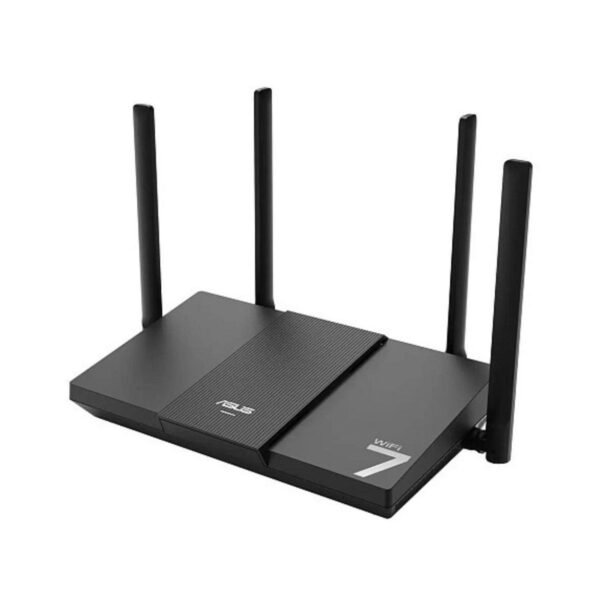
The TP-Link TL-WR841N is a 2.4 GHz-only Wi-Fi 4 router with 100 Mbps ports. It is ideal for internet plans up to about 100 Mbps and for small homes. For fast fibre, gaming or large houses, choose a Wi-Fi 7 router like the ASUS RT-BE50. If you only need to fix one weak room, the TP-Link TL-WA850RE range extender is an easy plug-in solution. See all Wi-Fi routers and the official TP-Link product page for setup guides and firmware.
TP-Link TL-WR841N: frequently asked questions
Can I use it with my fibre or cable connection?
Yes. Connect the router’s WAN port to your modem or fibre ONT and set it up with the Tether app. Most providers use DHCP or PPPoE, both supported.
Does it support 5 GHz?
No. It works on 2.4 GHz only, which gives good range through walls.
Can I use it as an access point?
Yes. Access Point mode turns a wired connection into a new Wi-Fi network – for example on another floor.
Does it have a guest network?
Yes. One 2.4 GHz guest network keeps visitors separate from your main network.
TP-Link TL-WR841N: price and delivery in Cyprus
Order the TP-Link TL-WR841N from EMAGCY and get a brand-new router with warranty, secure online payment and fast delivery in Limassol and across Cyprus. You have 14 days to return the product if you change your mind. Need help with setup? Message us on WhatsApp and we will help.
Only logged in customers who have purchased this product may leave a review.
You may also like


Reviews
There are no reviews yet.